Traffic Capture
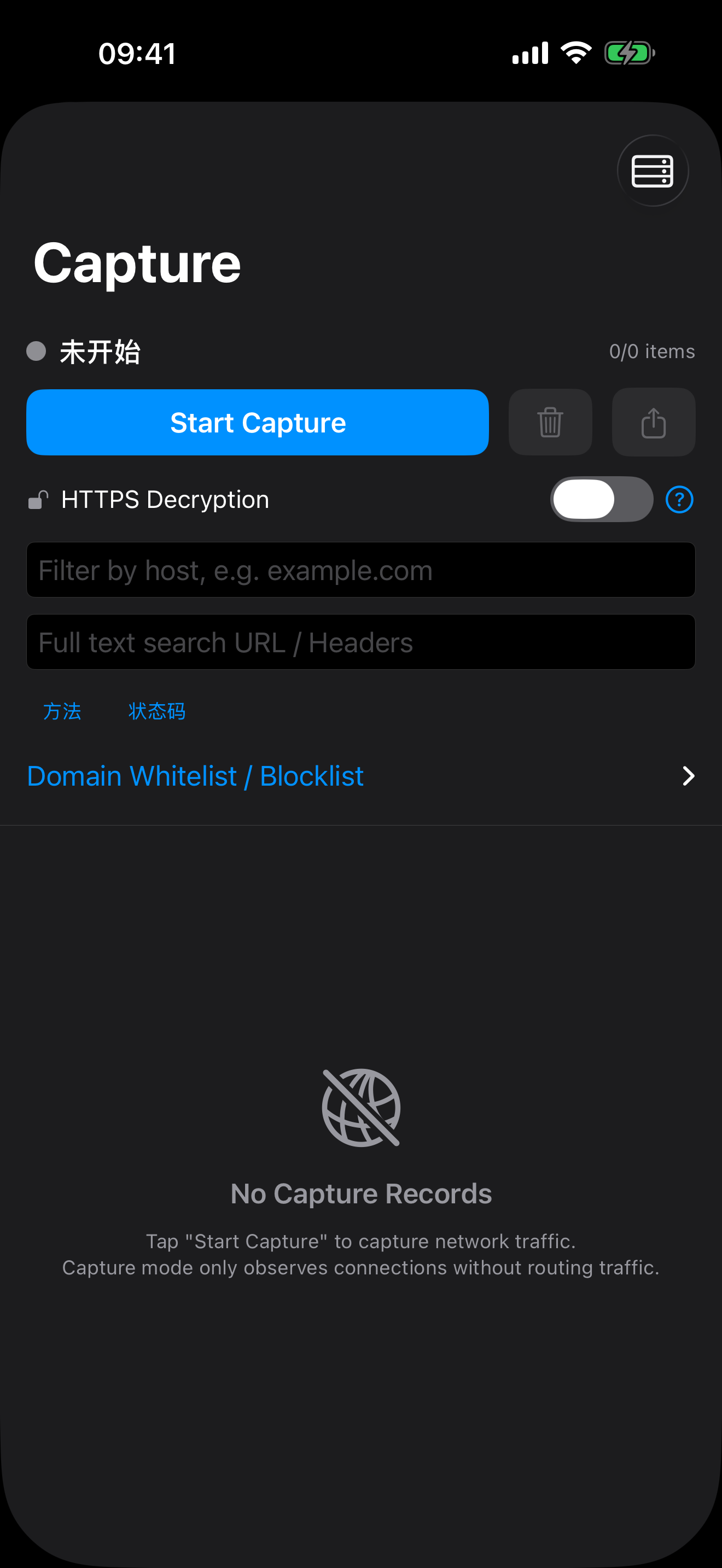
Quickly start and stop traffic capture, and view captured connection details.
Traffic Details
View detailed information of a single captured traffic record, including requests and responses.
Advanced Filtering
Use various filtering criteria to precisely find the traffic records you need.
Request History
Locally store network request history for easy access anytime.
Certificate Management
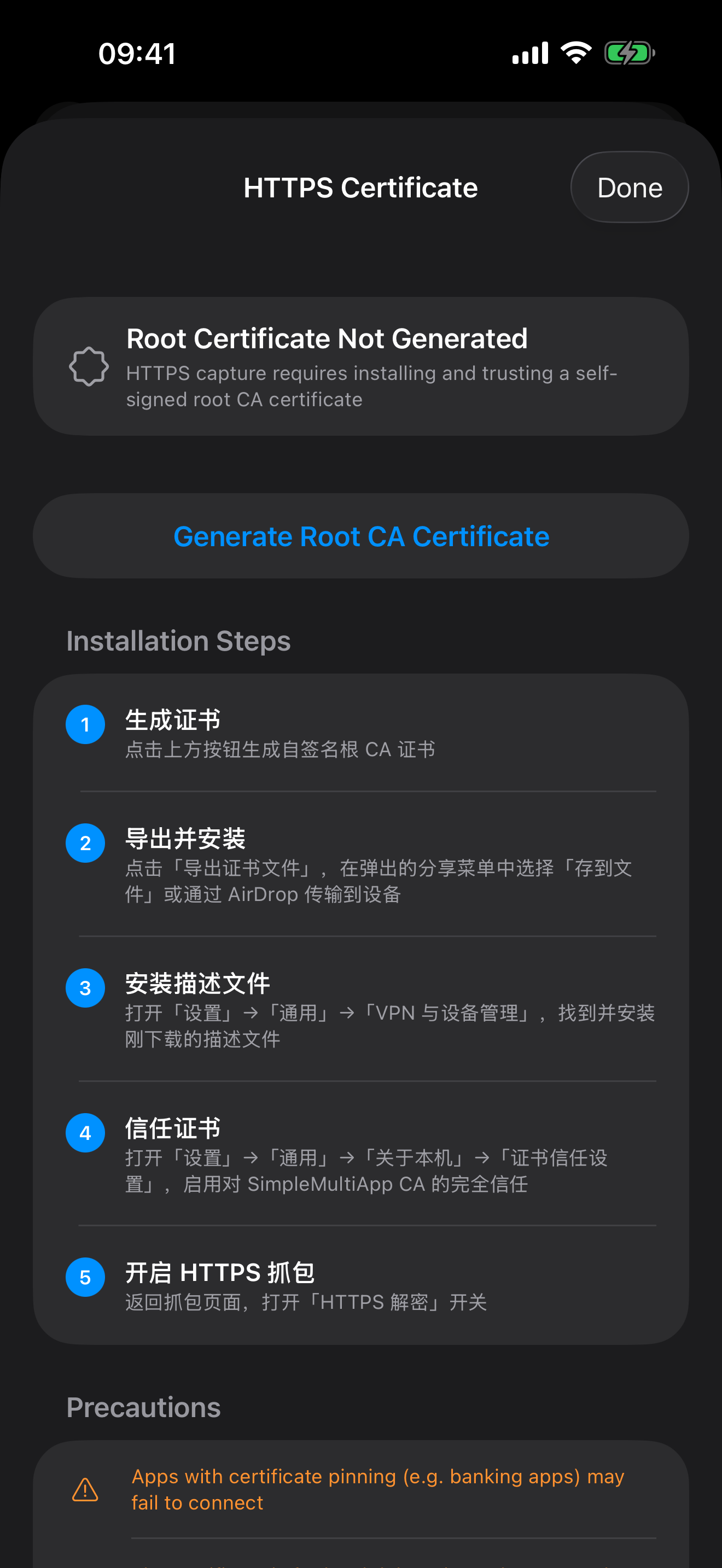
Guide users to install and trust the root CA certificate for HTTPS traffic decryption.
Log Viewer
View application logs to assist in troubleshooting.
Version Check
Added version check feature on the About page to ensure you are using the latest version.
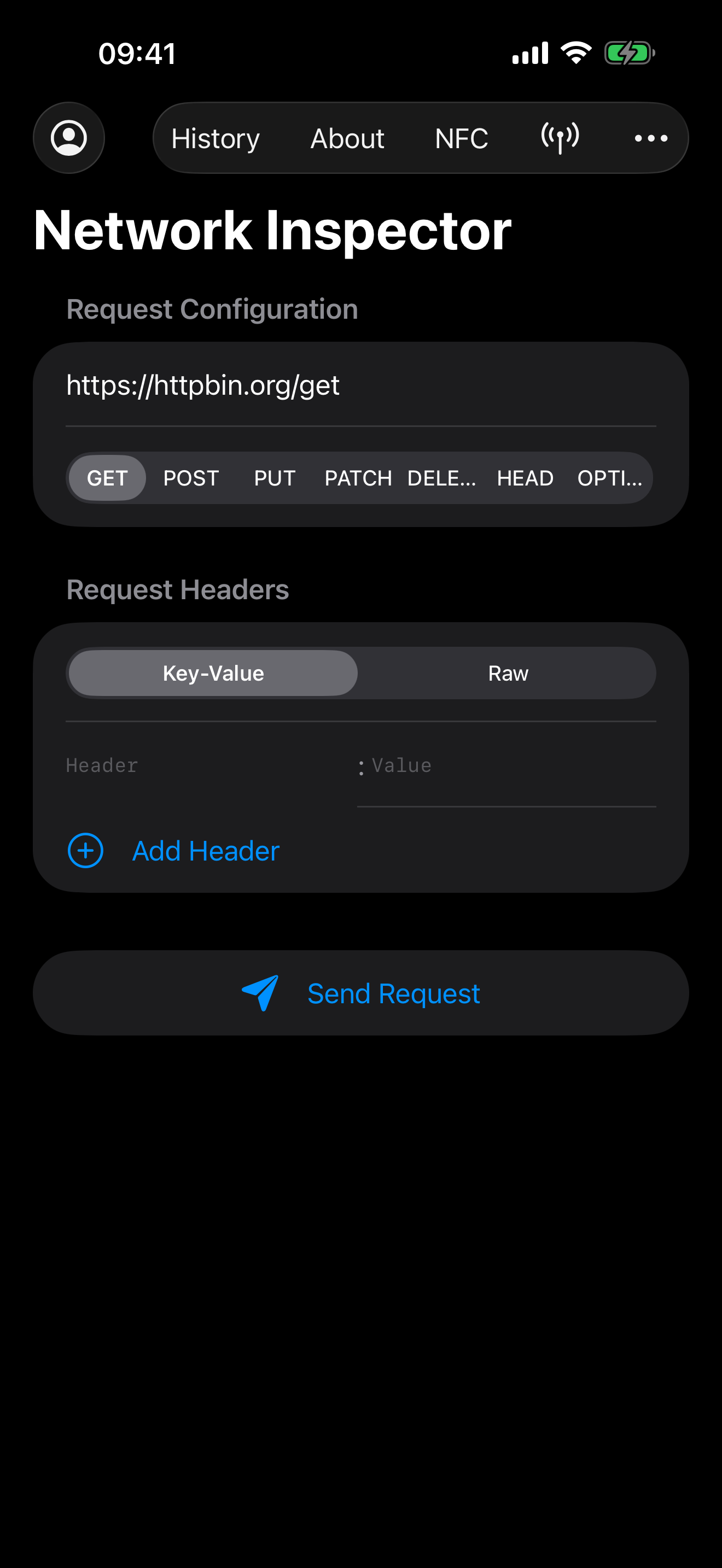
-
01
Launch the App
Open the Simple Interceptor app and get ready to capture network traffic.
-
02
Start Capturing
Click the start button to begin capturing traffic.
-
03
View Records
View and analyze your network requests and responses in the capture list.
-
04
Manage Certificates
Follow the guide to install and trust the root CA certificate for traffic decryption.
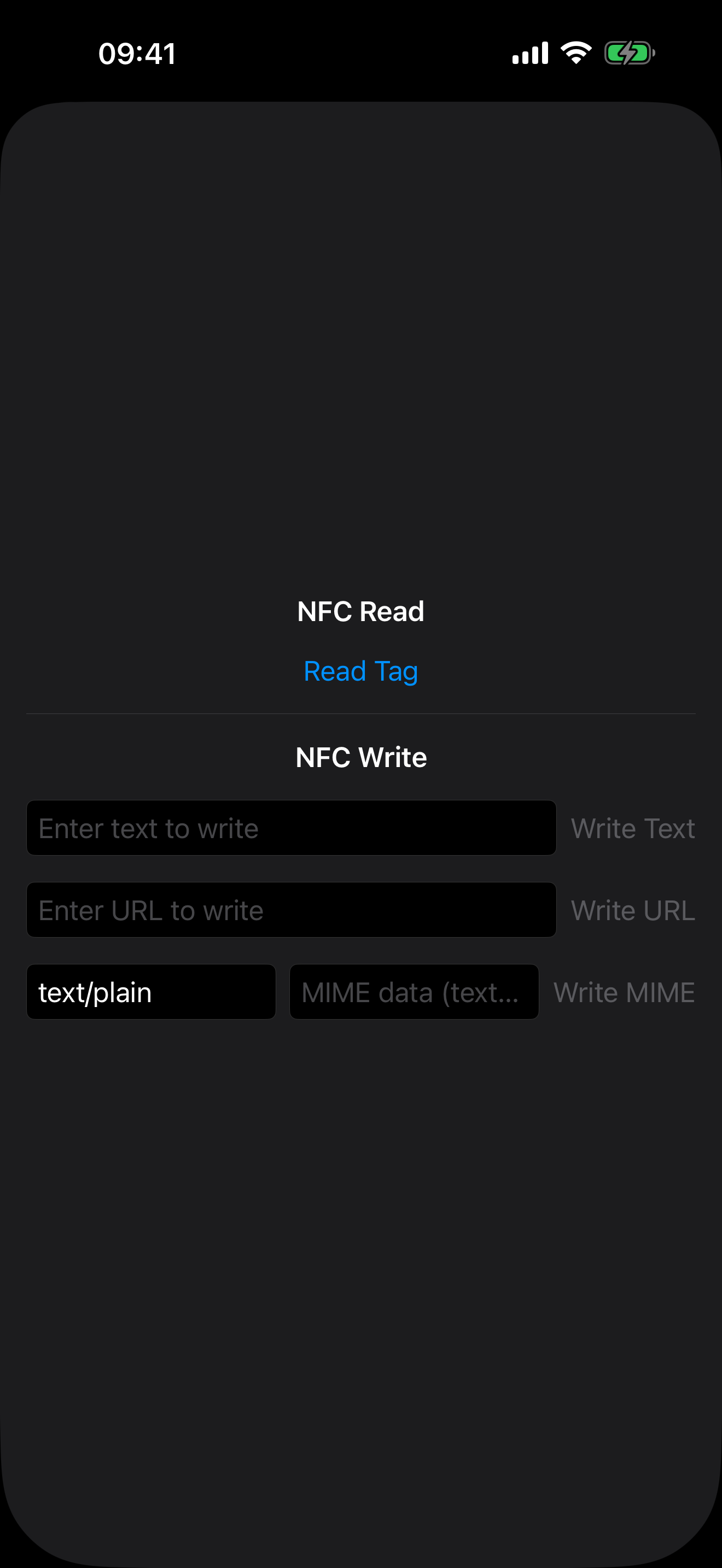
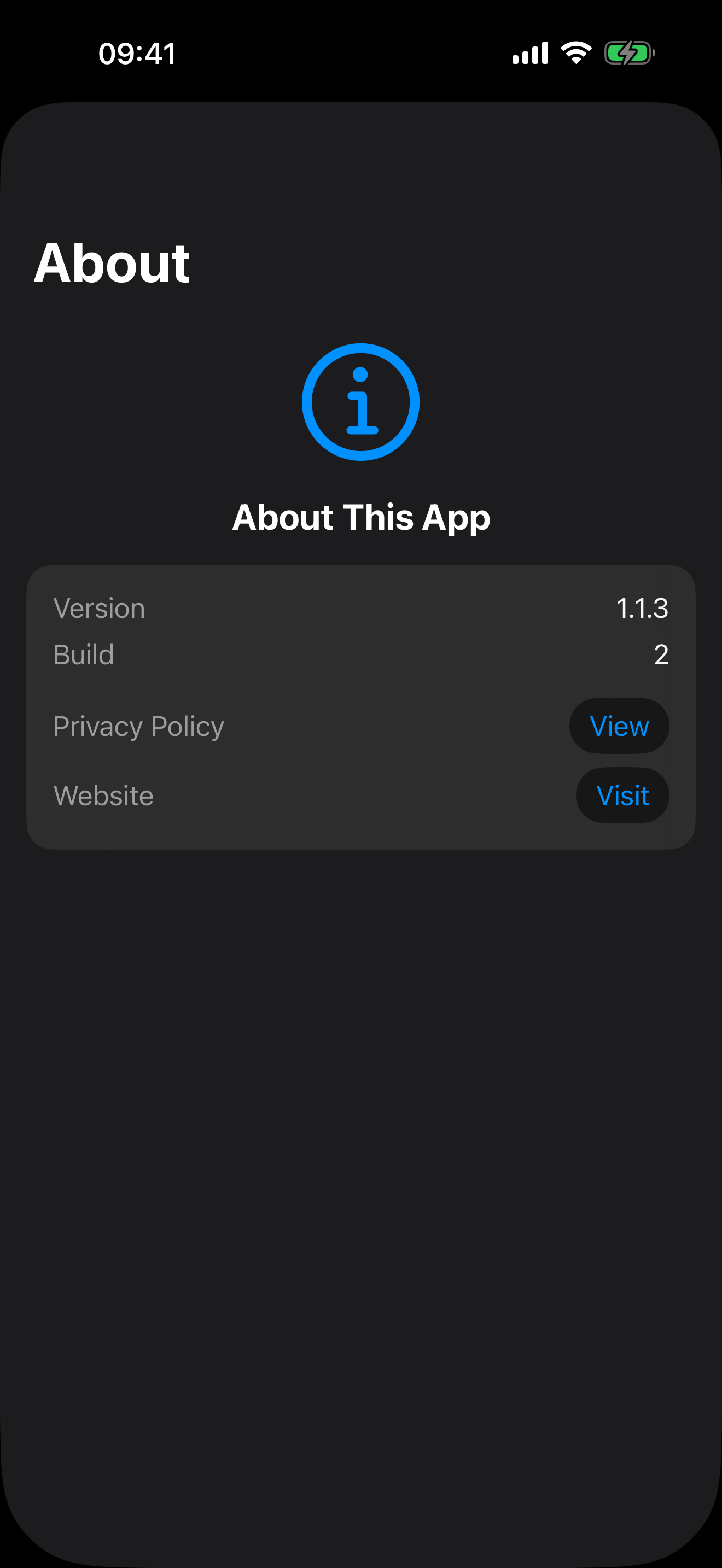
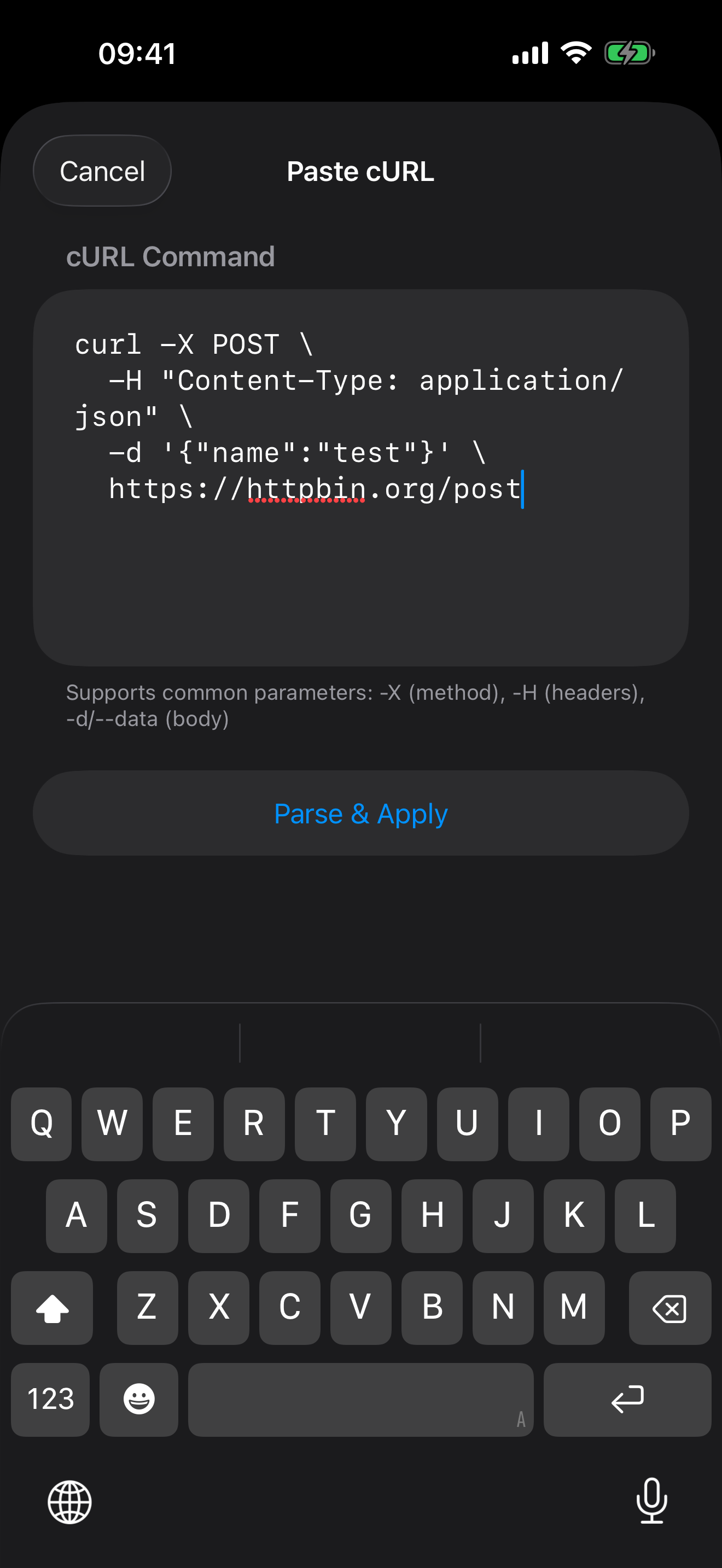
Watch the App on a Real Device
This public demo shows the app running on a physical Apple device, including NFC tag interaction and the main developer workflow, so visitors can quickly understand what the app does before downloading.
- Recorded on a physical device, not a simulator.
- Includes NFC tag interaction and the main workflow.
- Useful for understanding capture, certificate, and debugging scenarios.
The video shows NFC interaction and the main app workflow on a real device.
Get the Latest Version via TestFlight
Due to App Store review limitations on network debugging tools, the latest features are currently distributed via TestFlight only. The App Store version may be outdated.
- Install TestFlight from the App Store.
- Tap the “Join TestFlight Beta” button on your iPhone.
- Tap Install and start using the app.
For help, visit the support page or email [email protected].